Software








Notes
Zen is basically a port of Arc’s UX to Firefox. I find its navigation and space system much easier to deal with than the usual browser format.
Chrome — The reality is that most web users are on Chromium-based browsers, so I still need to use one for when sites and applications are not supported, as well as for testing my own work.
LibreOffice — I have a bit of a distaste for most office software (including this one). But so long as Microsoft Office-formatted documents still exist in the wild, I still need to have a way to read them.
Notion — It’s ridiculously flexible. I don’t squeeze it for every productivity improvement there is, but it’s really nice to have a place holding my databases with flexible fields and what-not.
Cyberduck — Good way to access files remotely. GNOME (GVFS) and KDE (KIO) have pretty good remote file system support, but this handles it for me when I’m on Windows or macOS.
Secretive — Instead of typing in a password you may or may not have forgotten, this lets you use Touch ID to unlock your SSH keys. This was one of the “pros” to switching to a Mac.
Command-line







Notes
Ghostty — by far the best cross-platform terminal emulator I’ve used across Mac and Linux.
zsh and oh-my-zsh — I used to use bash before I got a
Mac1,
and decided to move to zsh on my Linux systems so I can share the shell
configuration between them. oh-my-zsh
has a good plugin ecosystem so I can spend less time configuring things.
vim — Learnt it for fun when I was ricing Linux, and I’ve gotten used
to it enough to prefer it over nano while I’m using the command-line. I’m
still not comfortable with vim-style editing everywhere though.
pandoc — I can’t recommend this one enough. Paired with LaTeX, you can turn your Markdown files into some really nice looking PDFs.
AI



Notes
I have some conflicted feelings on AI.
AI and Machine Learning are such broad fields with all sorts of applications. When most people talk about AI, they’re usually talking about generative AI, and more specifically large language models and diffusion models.
I think training these models on publicly available data from the internet was arguably ethical until they were commercialised at scale. Copyright and IP law (at least my understanding of it) doesn’t cover such novel uses.
That has changed now, and I don’t know what the precedent should be going forward. A lot of sites have closed public access to data and put up paywalls and boundaries to limit scraping and training.
The energy and hardware needs for training and running inference with these models are big enough that fewer resources are allocated to other use cases, leading to increased costs for everything else, including personal compute.
I don’t think AI is to blame for these issues. It does, however, exacerbate problems we already have.
I’m also worried about personal data management and privacy. The most well-known of these models run as SaaS (LLMaaS?), which comes with the usual set of pitfalls. They might log your input and output. They might take a model down without warning.
LLMs are, nonetheless, incredibly useful. I’ve used them to quickly build up and validate ideas before committing to a project, parse and retrieve text and information from documents, bodge things with a wild set of inputs and requirements, and get a second pair of eyes on a solo project. These examples show some of the things I use LLMs for and would not want to give up without a good reason.
This is why I’ve started trying to run some of the open-weight models on my own hardware, with a lot more control over what goes in and out.
Development












Notes
Visual Studio Code — For file-based projects, with the right LSP extensions, it’s all I need to get writing code.
IntelliJ IDEA and friends — VS Code alone hasn’t been great for JVM (Java and Kotlin), Rails and C# projects. This fills those gaps.
I also use Visual Studio, GNOME Builder and Xcode for some platform-specific tasks.
Design




Hardware

- OS
- Arch Linux, Windows 11
- CPU
- AMD Ryzen 7 5700X
- RAM
- 64 GB DDR4
- GPU
- AMD Radeon RX 7800 XT
- SSD
- 4 TB (Linux), 1 TB (Windows)

- OS
- macOS
- CPU
- Apple M4 Pro
- RAM
- 24 GB LPDDR5X
- GPU
- (integrated)
- SSD
- 1 TB
Operating systems
Windows — well… Windows. It’s been getting worse to use from 2022 onwards, so it only gets booted up once every few months at most.
macOS — my primary daily driver. It’s a nice middle ground between the UNIX machinery I’ve gotten used to on Linux, and the wide software support Windows has.
Linux2 — I’ve been using it on-and-off since roughly 2011. I’ve become increasingly familiar with the way it works over the years and decided to take the full plunge as the daily driver on my desktop in August 2025. Haven’t had any issues so far.
KDE — my go-to desktop environment when I need to use my desktop (Linux). It retains the desktop metaphor and way of working I had become accustomed to ever since I started using computers, and everything tends to be fairly well integrated. Honourable mentions to GNOME, XFCE, Niri and i3, where I’ve also spent a good amount of time.
Notes
I initially built the desktop in 2019 to have a solid workstation to use at home and access while I’m at uni, upgrading it over time. The guiding principle for part choices initially was “it should run Linux well”, and has been triple-booting Windows 10, macOS3 and Arch Linux for most of its life.
Laptop-wise, I’ve sprung for a last-gen MacBook Pro. They’re quite honestly the best laptops on the market4, as my needs for a laptop have outgrown my previous setup.
Previously, I used a Lenovo ThinkPad. If you don’t need a lot of performance, and have given yourself a tight budget, it’s worth squeezing the life out of an old business laptop, with a screwdriver, some patience and a few spare parts on hand.
I’ve stopped using Windows for the most part. There is still the occasional need to boot it up for games that require spyware5, or to work on CAD models my laptop won’t run6.
On peripherals:
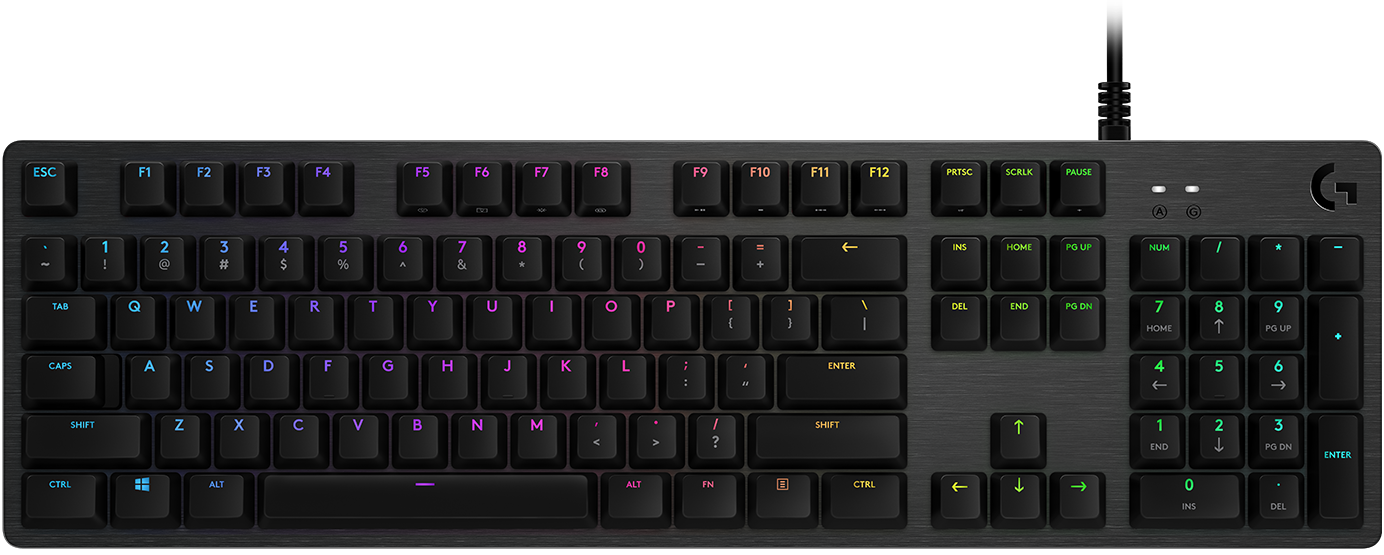
- Keyboard: Logitech G512 Carbon Lightsync — I prefer clickier mechanical keyboards, and tend to use 102 of the 104 keys PC keyboards have had since 1995.
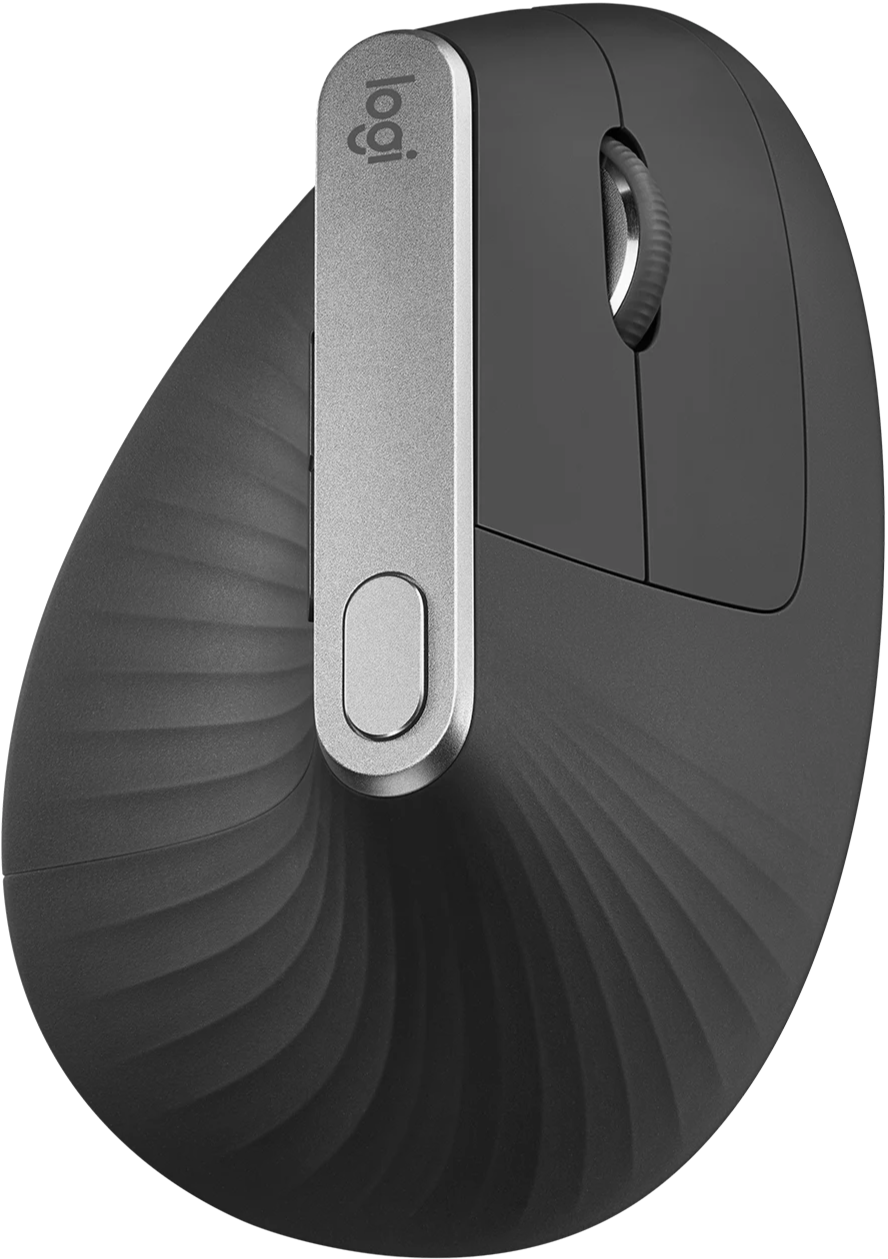
- Mouse: Logitech MX Vertical — Most mice I’ve had in the past are too small for my hands, this one was the first comfortable one I’ve had.
-
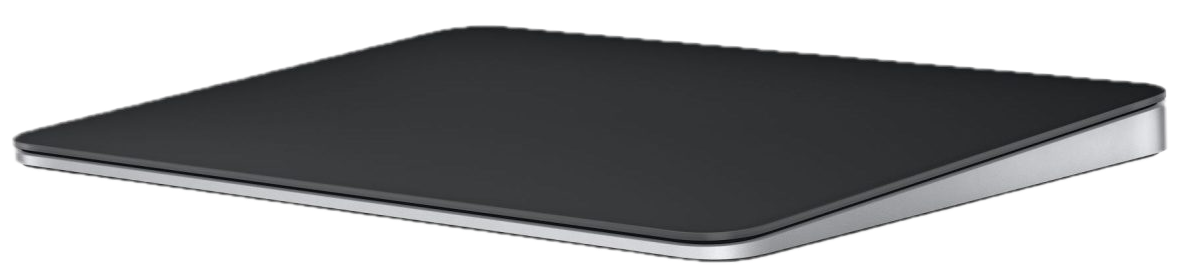
Trackpad: Magic Trackpad —
Wanted to give it a go, not just as a mouse but also as something to tinker with
libinput. - Camera: a crappy 1080p one I got my hands on in early 2020.
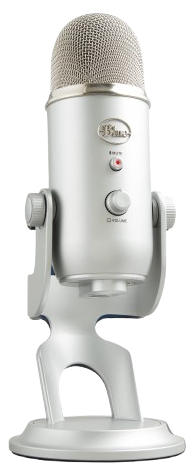
- Microphone: Logitech Blue Yeti USB — Been told too many times I sound as if I’m speaking into a can.
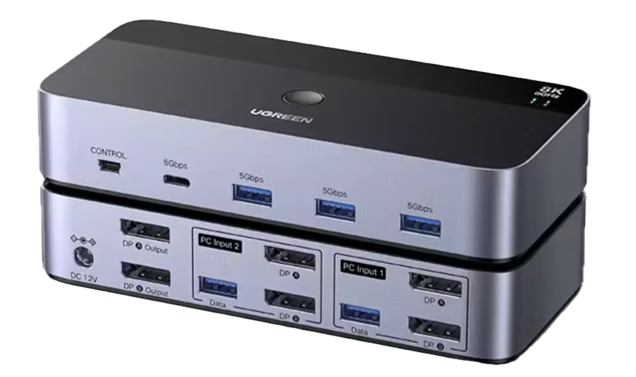
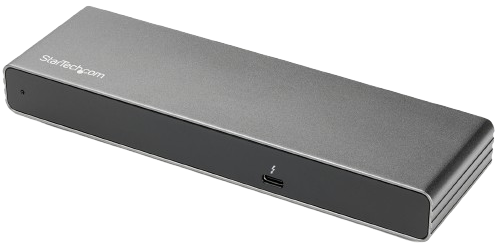
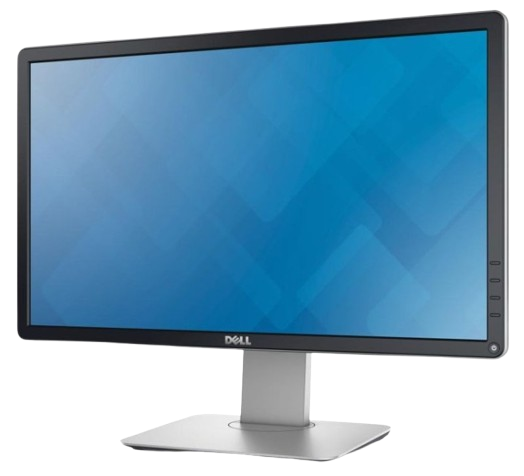
- Displays: 2× DELL P2214H (1920×1080 @ 60Hz) — 1080p is all you need7. Fairly cheap8, too.
The computers are named after celestial bodies in the solar system and are symbolised with planetary symbols.
Homelab

- OS
- Debian Linux
- CPU
- AMD Ryzen 5 3600
- RAM
- 32 GB DDR4
- GPU
- AMD Radeon RX 580
- SSD
- 256 GB (OS), 2× 512 GB (data)
- HDD
- 2× 6 TB (data)

- OS
- Debian Linux
- CPU
- Intel Xeon E3-1240 v5
- RAM
- ?
- SSD
- ?
- HDD
- ?






Notes
I’m working on building out my homelab to store personal data and a library9, and plan to also add capabilities for running development tools remotely, playing around with cloud tooling, and just toying around with networking.
Marte was built with components that had been rotated out of my desktop when they were upgraded, with the GPU used for video transcoding and AI inference tasks.
Cupru (currently not in use) is a proper server whose only shortcoming is its 2.5” (laptop-sized) drive bays instead of the more common 3.5”. I plan for it to be a dedicated NAS once I get an array of SSDs to use with it, leaving Marte to be an application server.
The servers are named after chemical elements. Alternate names may be picked for “paired” systems. For example: both Staniu10 and Cositor11 (two application servers in a group) refer to Sn (tin).
Services
Entries marked with * are referral links.